

 English
 Български
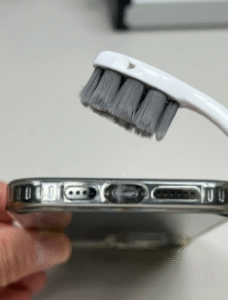
There are times when your phone simply won’t charge and there are several issues at play here:
- Debris inside the charging port
- Battery capacity issue
- Charging port has gone bad
How to clean your charging port:
Shut off your phone – Use either a soft tooth brush or a tooth pick and gently take out any fuzz or debris / lint out of your phone.
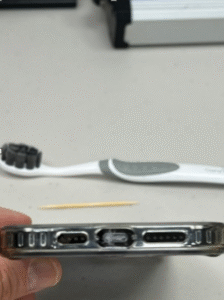
Use a soft tooth brush with rubbing alcohol and clean the inside of the port to make sure the contacts are clean inside the charging port.
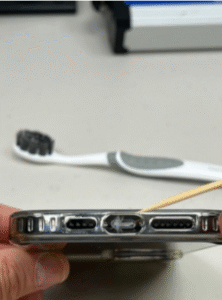
Or you can always use Electrical Contact Cleaner. And remember, dust can damage any electronic device and is the # 1 cause of electronic devices to go bad.
If your phone still won’t charge after cleaning, then you should see the battery capacity inside your phone
Go to settings – Battery – Battery Health & Charging and look at the Maximum Capacity
If the Maximum Capacity of your battery is lower than 70%, then you might want to consider changing your battery, since this maybe the cause for it not to charge anymore.
If your Maximum Capacity is more than 70%, then more than likely the cause is the charging port itself which needs to be replaced by a repair shop.


Very helpful and the info is very relevant